
Hearing Aid Care & Cleaning
Daily habits that extend your device's life, small problems you can fix at home, and when it's time to bring it in.
Care calendar
All of device care really fits into this table.
| Frequency | What to do |
|---|---|
| Every day | Wipe with a soft, dry cloth; dehumidifier box at night; charging unit if rechargeable |
| Every week | Brush the microphone and speaker tip; check the mould's openings |
| Every month | Change the wax filter; check the tube and mould for hardening or cracks |
| Every 6 months | Free maintenance and performance check at the branch |
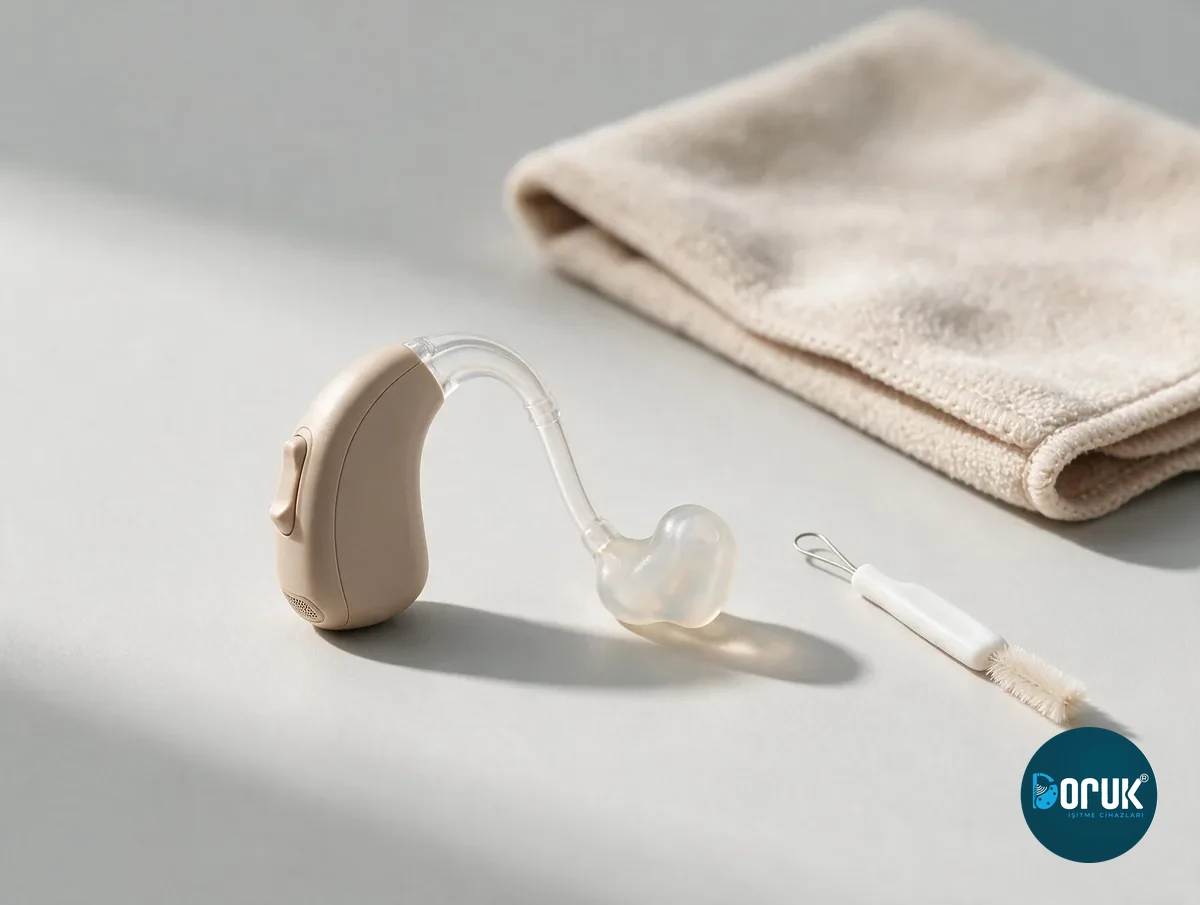
Five rules that never change
- Never dip the device in water, cologne or alcohol
No wet cloths or chemicals either; a dry cloth and the brush provided are enough.
- Leave it in the dehumidifier box overnight
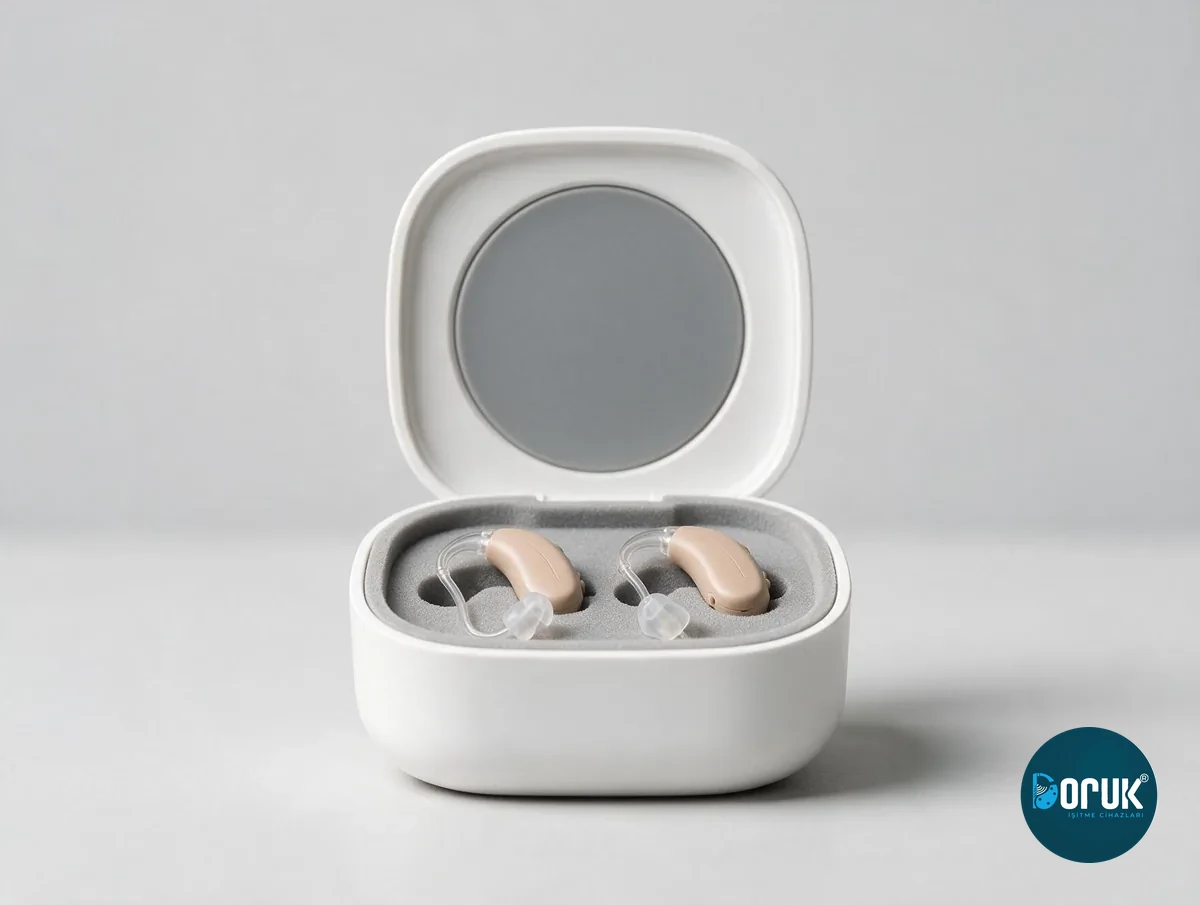
Moisture is the device's number one enemy. In summer, sweat has the same effect; the dehumidifier box matters even more after a sweaty day.
- Take the device out for showers, the sea, the pool and the sauna
- If it gets wet, don't use an oven, radiator or hair dryer
Turn it off, remove the battery, put it in the dehumidifier box, and bring it to a branch.
- In winter, when you come inside, leave it switched off for a few minutes
A sudden switch from cold to warm causes condensation inside the device. If a hat or scarf covers the microphone, the sound becomes muffled.
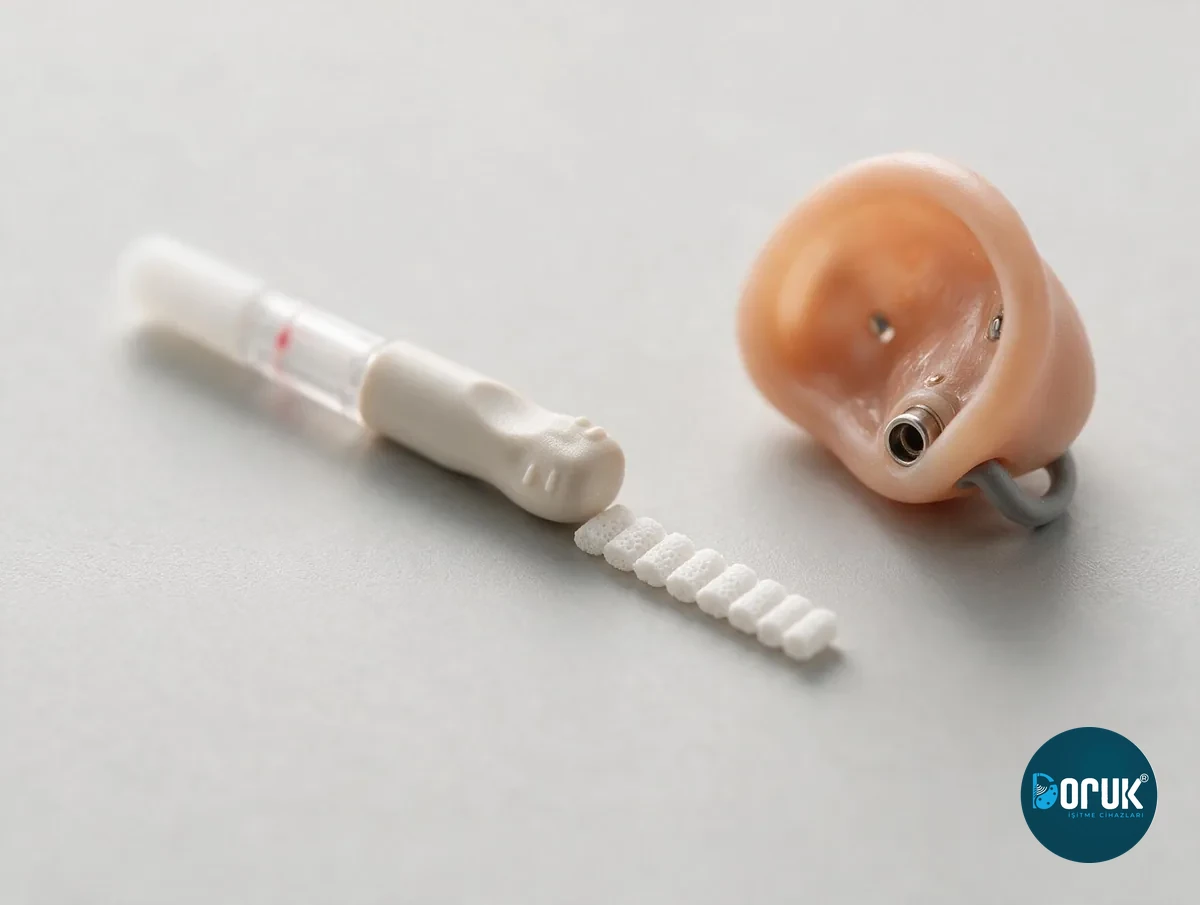
How do you clean the ear mould?
The mould is washed once a week; the device's electronic body never goes near water.
-
01
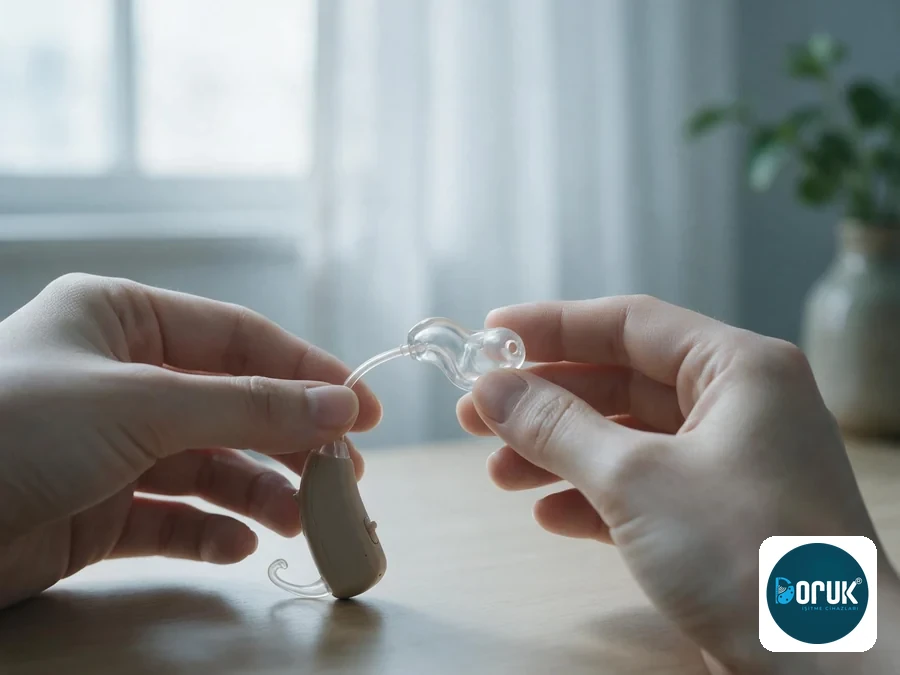
![A clear ear mould being separated from a behind-the-ear device's thin tube]()
Separate it
Take it off gently by holding the mould, not the tube.
-
02
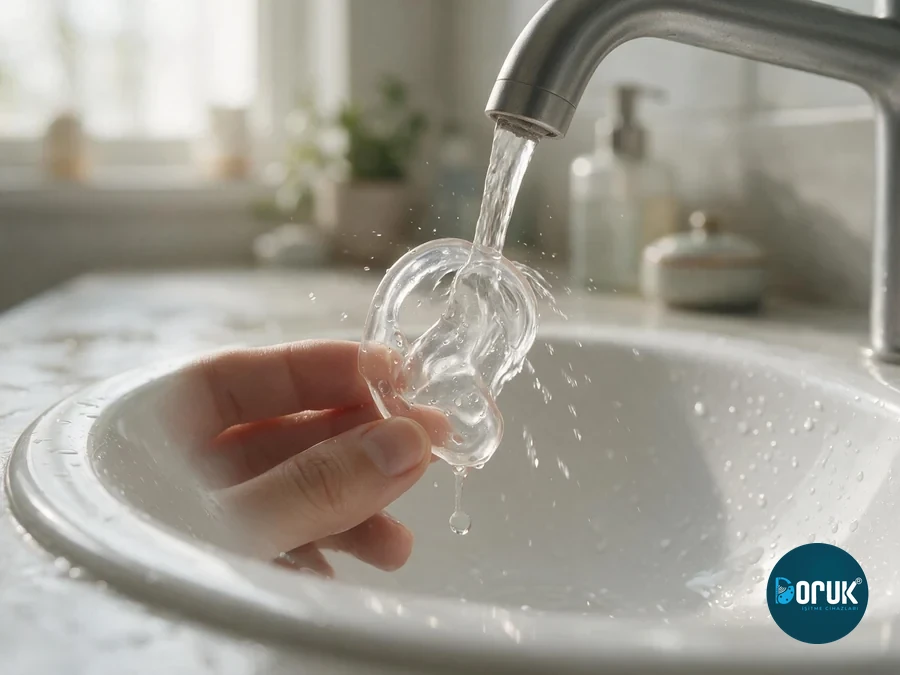
![A clear ear mould being rinsed under warm tap water]()
Wash only the mould
With warm water. The electronic body must never touch water.
-
03
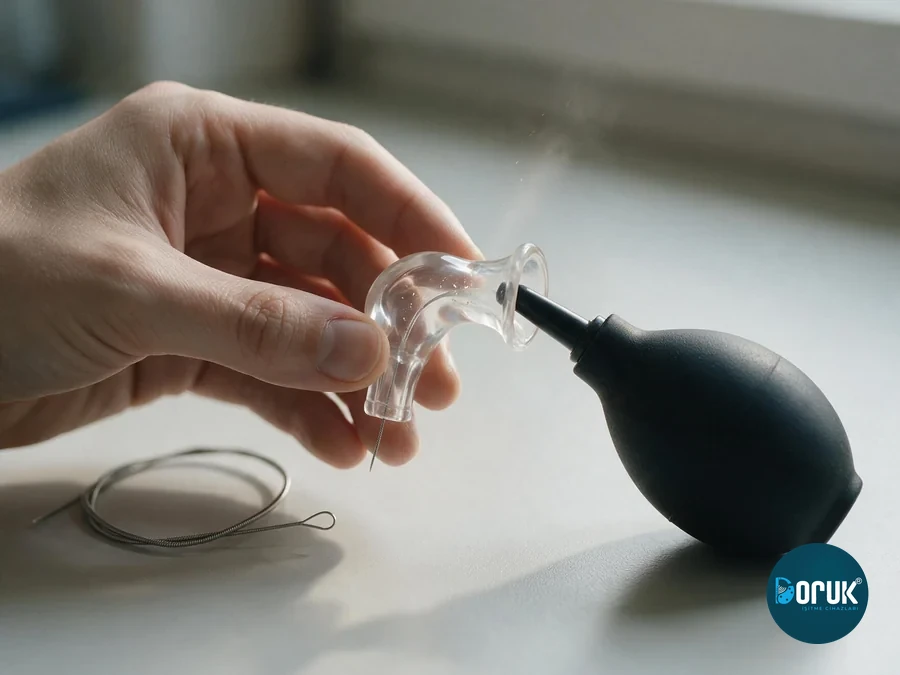
![Clearing an ear mould's canal with a blow-bulb, with a cleaning wire beside it]()
Clear the openings
With a blow-bulb or a cleaning wire.
-
04
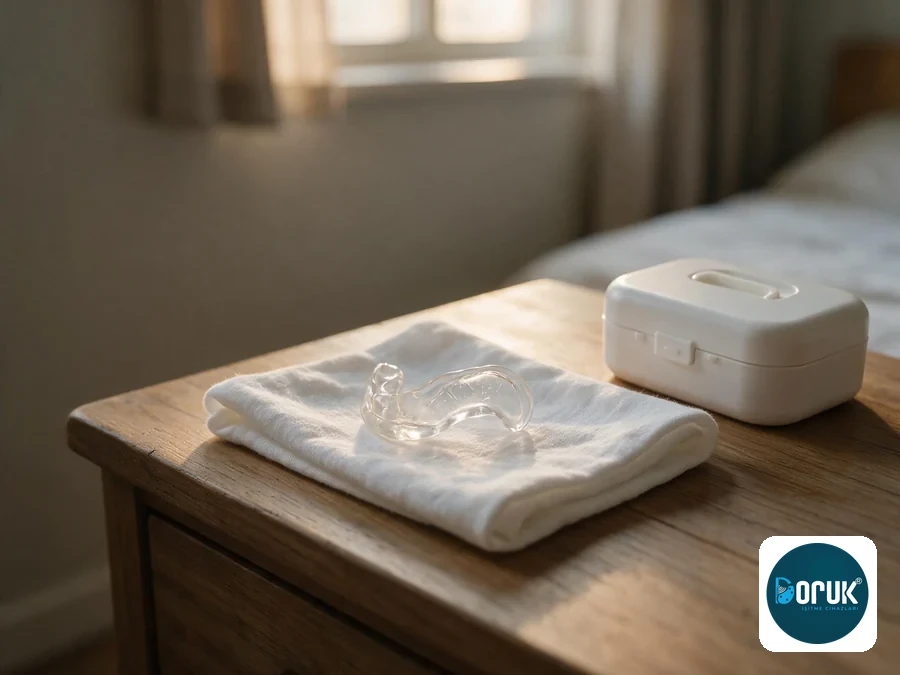
![An ear mould left to dry, next to a small dehumidifier box]()
Don't put it back in wet
A leftover drop of water muffles the sound.
Batteries & charging
- Wait 1–2 minutes after removing the tab. A zinc-air battery only reaches full power once it's been exposed to air.
- Leave the battery door open at night. It lets the battery rest and any moisture inside escape.
- Store batteries at room temperature in a dry place. The fridge doesn't protect batteries — it causes condensation.
- Don't leave a dead battery inside the device. A leaking battery damages the contact points.
- Let a rechargeable device spend every night in its unit. It both charges and stays dry.
For battery-powered devices, with an appropriate report and prescription, SGK battery support can be provided; the quantity is set by the current SUT. Details of battery sizes, lifespan and SGK support are on our Hearing Aid Batteries page. You can get your batteries from our branches .
If something goes wrong, check this first
| Symptom | Try this first |
|---|---|
| Whistling / feedback | Check the fit of the device and for earwax |
| No sound | Check the battery/charge, the on/off switch and the wax filter |
| Quiet or muffled sound | Check whether the filter and mould openings are blocked |
| Crackling | Check the battery contact, leave the device in the dehumidifier box |
| The device falls out of the ear | The mould may have loosened; have the tube length and mould fit checked |
| Redness or itching on the skin | Take the device off, keep the ear dry, and bring it to a branch without delay |
If something isn't solved by this table, see our device help centre; it walks through it step by step by symptom.
Where will you put it when you take it off?
The moment a device is most often lost or damaged is the moment it comes off. One simple habit fixes most of that: put the device in the same place every evening.
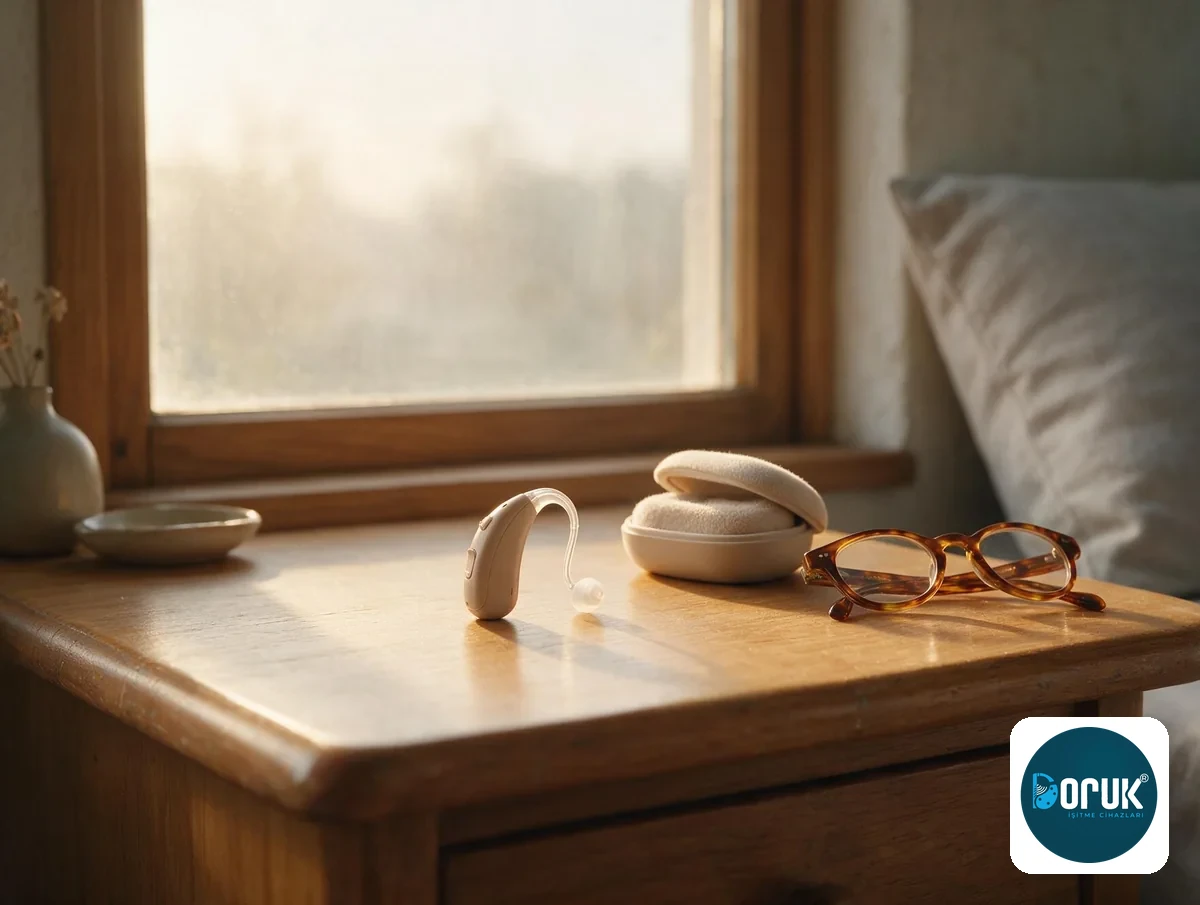
- The dehumidifier box or charging unit — every night
Keep it in a fixed spot in the bedroom. You won't have to search for it, and it'll be dry by morning.
- Don't put it in the bathroom or kitchen
Steam and splashing water get into the device. A radiator top, a car glovebox and a sunny windowsill don't work either.
- Keep it away from pets
Dogs find the device by its smell and chew it; this is the most common damage not covered by warranty. Put it on a high shelf.
- Out of the reach of young children
Batteries are dangerous if swallowed. Keep the battery box closed in the same place too.
Spray, perfume and cream
Hairspray, perfume, sunscreen and hair dye clog the device's microphone grille; this is an unnoticed cause of muffled sound too.
Do it in this order: apply the spray or cream first, wait until it's dry, and put the device in last. At the hairdresser's, take it off and put it in your bag.
What should you take when travelling?
Device care slips on a long trip. A small bag is enough:
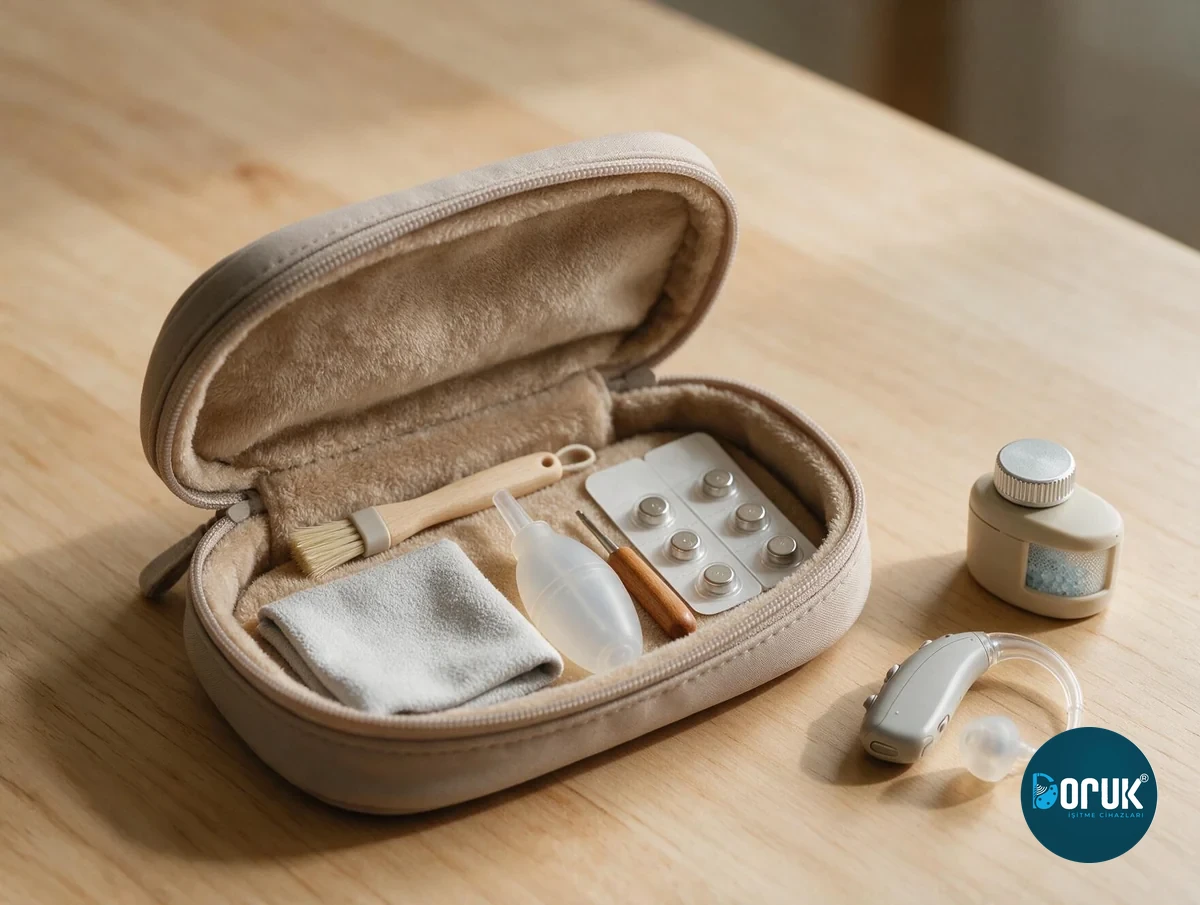
- Spare battery or charging cable
Carry batteries in their own packaging, not next to loose change.
- Cleaning brush and a spare wax filter
If the filter clogs on the road, you might think the device has stopped working.
- Dehumidifier box
This is the piece that earns its keep most in hot, humid places.
You don't need to take the device off on a plane; carry it in your hand luggage, not your checked bag.
When should you bring it to a branch?
Bring it in if the checks above didn't fix the problem, or if the device was dropped or got wet. Adjustment and cleaning are free at all our branches; we recommend a check every 6 months even without a problem. You can also email questions about your device to destek@dorukisitme.com.
Frequently asked questions
First check that the device or ear mould is sitting fully in place. Earwax, a loosening mould, a blocked filter or tube, and a volume set too high can all cause whistling. If it continues, bring the device in without turning the volume up further; we'll check your ear and the device together.
First check the battery or charge. Then make sure the device is switched on, the filter at the sound outlet isn't blocked, and any tube isn't kinked. If you're using a fresh zinc-air battery, wait as long as the manufacturer recommends after removing the tab. If there's still no sound after trying these, bring the device to us without forcing it.
One of the most common causes is a blocked wax filter, mould canal or tube. You can clean the device with a dry cloth and dry it with the dehumidifier system you were given. Don't run it under water or use cleaning fluid. If the problem doesn't clear up, we'll need to check your hearing level, the receiver and the device settings.
A weakening battery, dirty battery contacts, moisture, or a cable or receiver problem can cause this. You can try a fresh battery and leave the device in the dehumidifier box. If the crackling continues, bring it in for a technical check rather than continuing to use it.
Turn it off immediately. If it has a removable battery, take it out, and wipe the outside of the device with a dry cloth. Don't plug a rechargeable device in to charge, and don't try to switch a battery device back on. Don't use a hair dryer, oven, microwave or radiator. If you have a dehumidifier box, put the device in it and bring it in for service as soon as possible.
We recommend a check about every six months even without a problem. More frequent care may be needed depending on how much you use it and your earwax and moisture levels. Don't wait six months if the sound has dropped, whistling has started, or the device is cutting out. We do routine care and check-ups at our branches. Some of these services are free; if a fee applies, we tell you the amount before the work starts.